I want to change the default version of a workflow, but I no longer see the option to do this under the “Versions” tab:
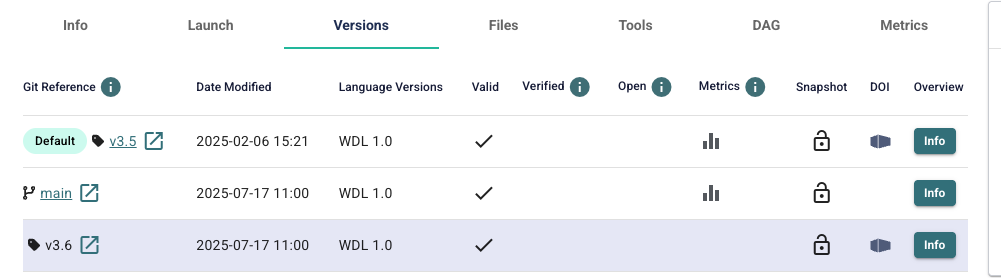
Previously I clicked on “Actions” and then “set default version,” but that option has disappeared. Is there a new way to set the default version?